"One account. Every creator I represent."

Manage every creator you represent — from one account

InfluenceKit gives talent managers a dedicated roster where each creator you manage gets their own content calendar and shareable, white-label report. Add a creator in one step, and only pay for the creators you're actively managing.


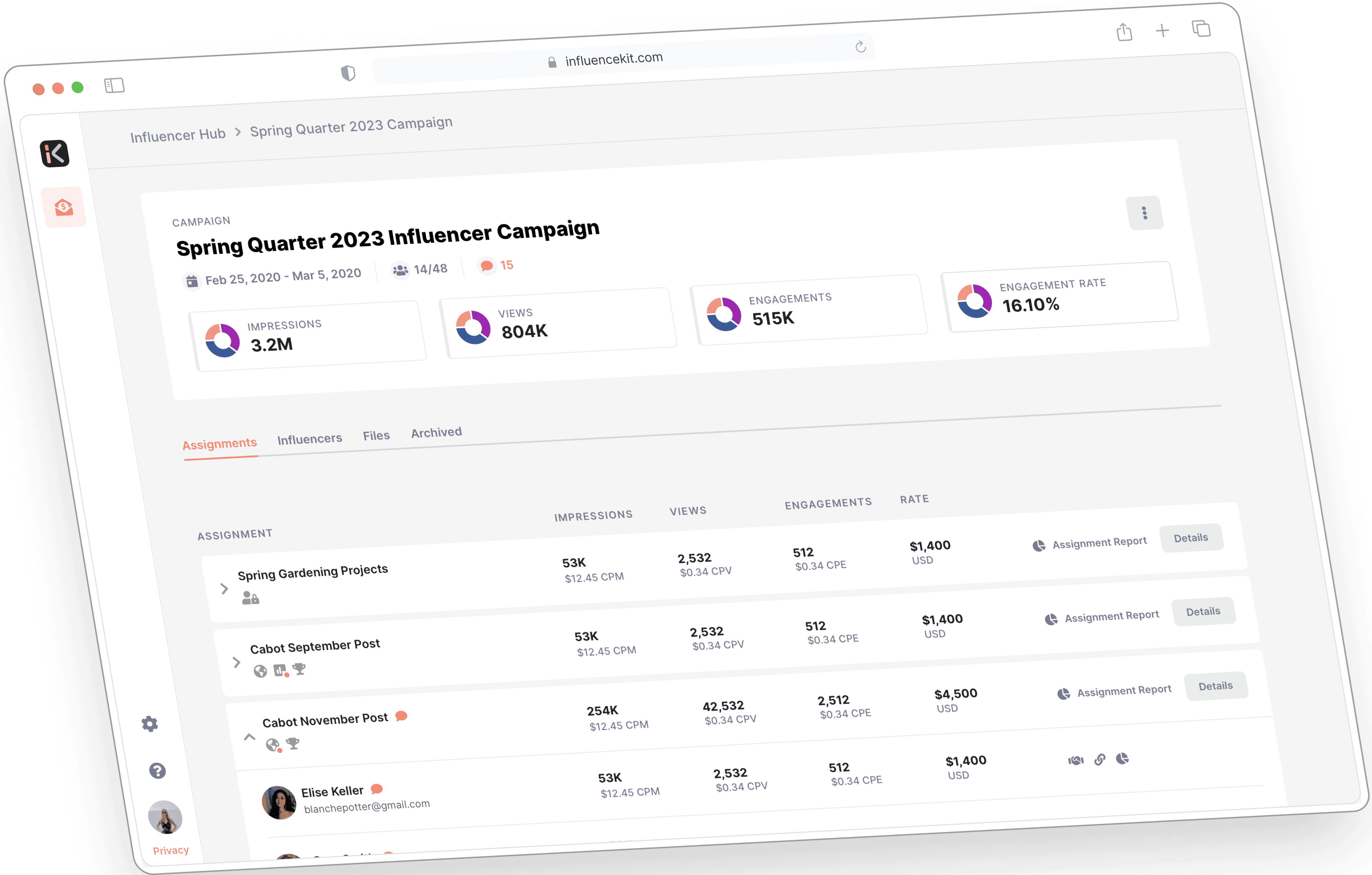
A creator's live campaign report in InfluenceKit

Trusted by the world’s most influential creators:

Built for Talent Managers

One place to run your whole roster

Every creator you represent, with their own calendar and report — managed from a single account.

A calendar and report for every creator

Each creator you manage gets their own content calendar and report, kept completely separate — so deliverables and performance never get mixed up between creators.

Your whole roster in one place

Manage everyone you represent from a single account. Your Influencers list shows one card per creator, with their calendar, report, and settings a click away.

Add a creator in one step

Give a creator a name and they're set up with their own calendar and report. Add their email too if you want them to log in and collaborate.

Shareable, white-label reports

Every creator gets a live, shareable report you can send to brand partners — kept up to date automatically as posts go live.

Pay only for who you manage

Per-creator billing means no seat limits and no paying for creators you're not actively working with. Add as many creators as your roster needs.

Archive without losing anything

Done working with a creator? Archive them to clear your roster while keeping their calendar and reports fully intact.

Add a creator in one step

Onboarding a creator takes seconds, not setup

1

Name the creator

From your Influencers list, click Add Influencer and enter their name. That's all it takes to create their dedicated calendar and report.

2

Optionally, give them a login

Add an email to let the creator log in and collaborate, and choose whether they can edit or manage their own calendar. Leave it blank and you manage everything yourself.

3

You're managing them

Their calendar and report are ready to go. Open them any time, share the report with brands, or archive the creator when your work together wraps.

InfluenceKit effortlessly showcases the value we bring to brands. It's a must-have for easy and impactful reporting.”
Stephie Predmore
Director of Influencer Marketing • Mediavine
Metered, per-creator billing

Only pay for the creators you actively manage

InfluenceKit bills talent managers per active creator — $29 per influencer, per month. There's no seat limit and no paying for a full roster when you're only working with a few: add creators as you sign them and archive the ones you're no longer working with.

  • $29 per influencer, per month
  • Only billed for creators you actively manage
  • No seat quota to run into
  • Archive a creator and stop being billed for them

Talent-manager questions, answered.

I manage a roster of creators — is InfluenceKit right for me?
Yes. Talent managers get a dedicated Influencers area where each creator you represent has their own content calendar and report, all managed from one account.
How is this different from a brand or marketing-agency plan?
Brand and marketing-agency plans are built for running campaigns and reporting to your own stakeholders. As a talent manager you represent the creators themselves — so each creator gets their own isolated calendar and shareable report, and you're billed per creator you manage rather than per internal team seat.
Do I need a seat for every creator I add?
No. Talent-manager accounts are billed per active creator, so there's no fixed seat limit to run into — add as many creators as you manage.
Can I manage a creator without giving them a login?
Yes. A name is all that's required to create a creator's calendar and report. Add their email only if you want them to log in and collaborate — you can always invite them later.
What happens when I stop working with a creator?
Archive them. Archiving hides the creator from your Influencers list but keeps their calendar and reports intact, so nothing is lost.

Ready to run your whole roster in one place?

Give every creator you represent their own calendar and report — and only pay for the creators you actively manage.

InfluenceKit campaign report on a dark dashboard